


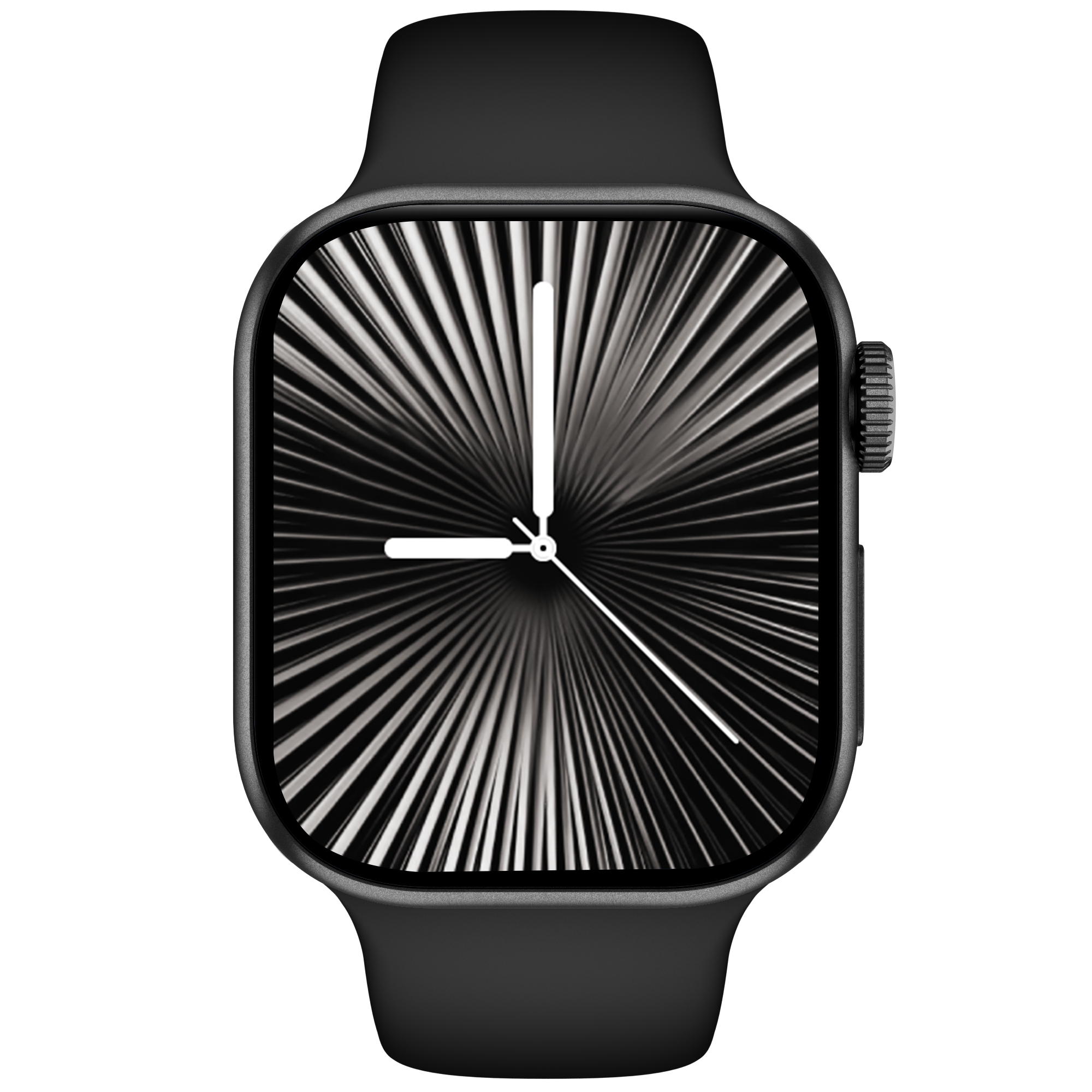
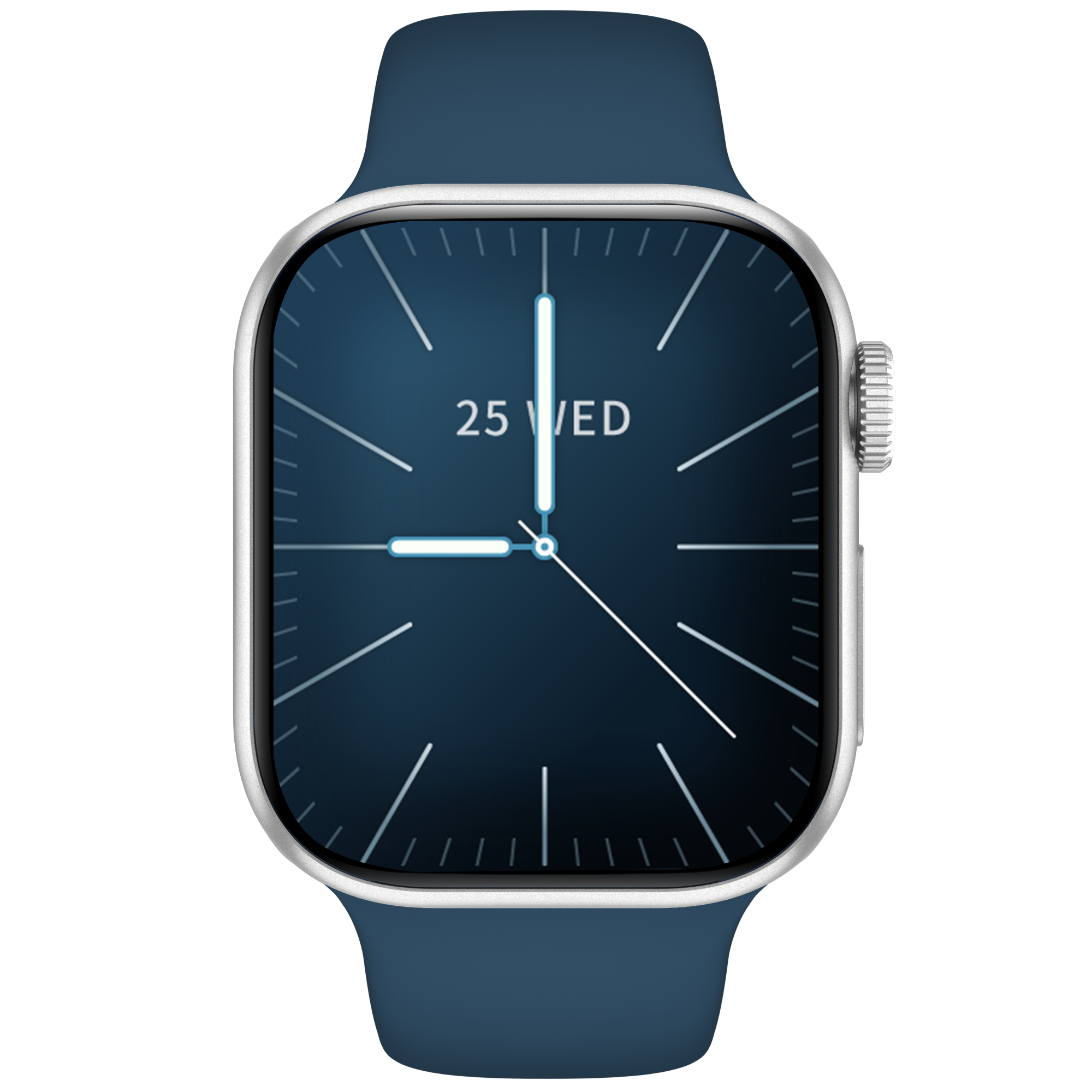
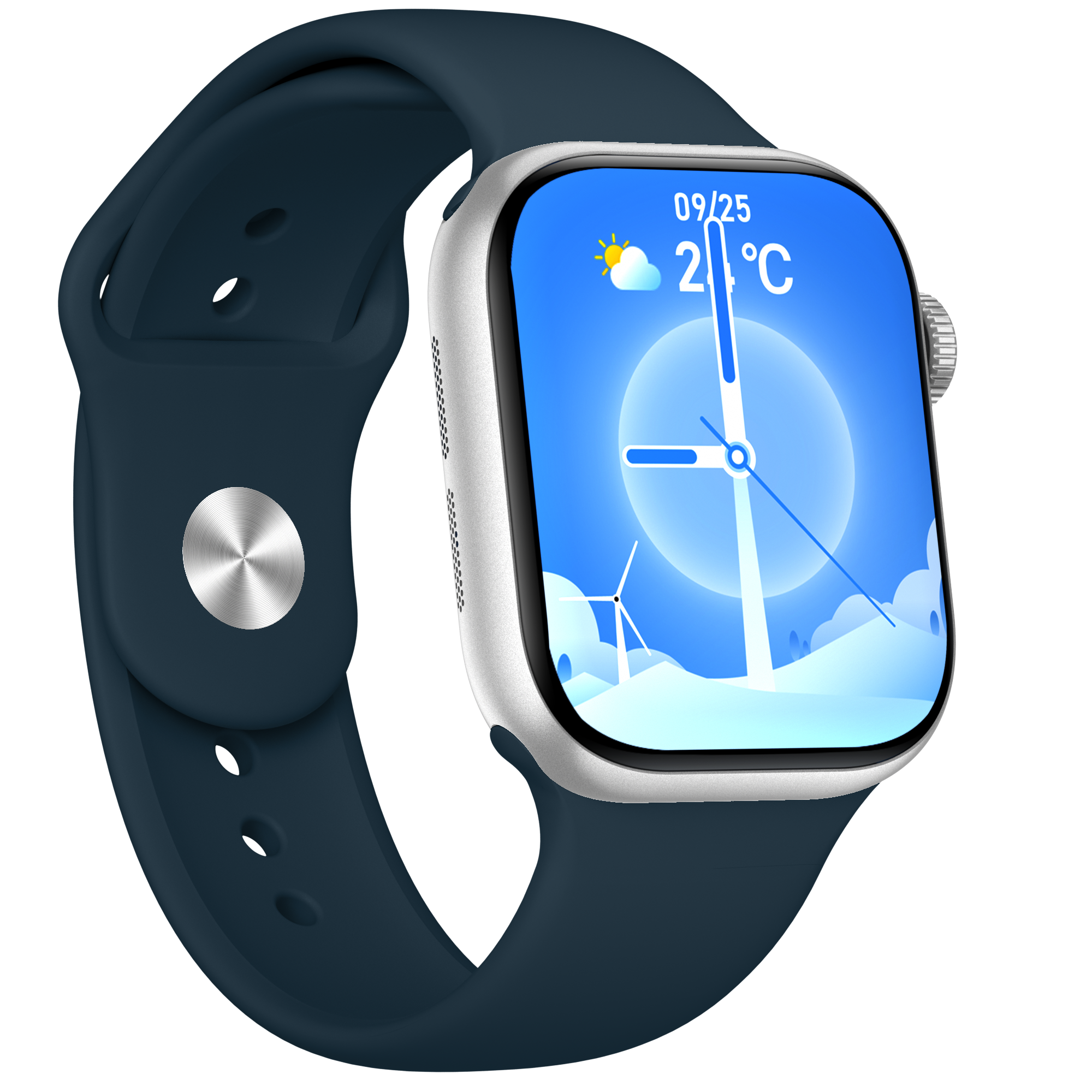
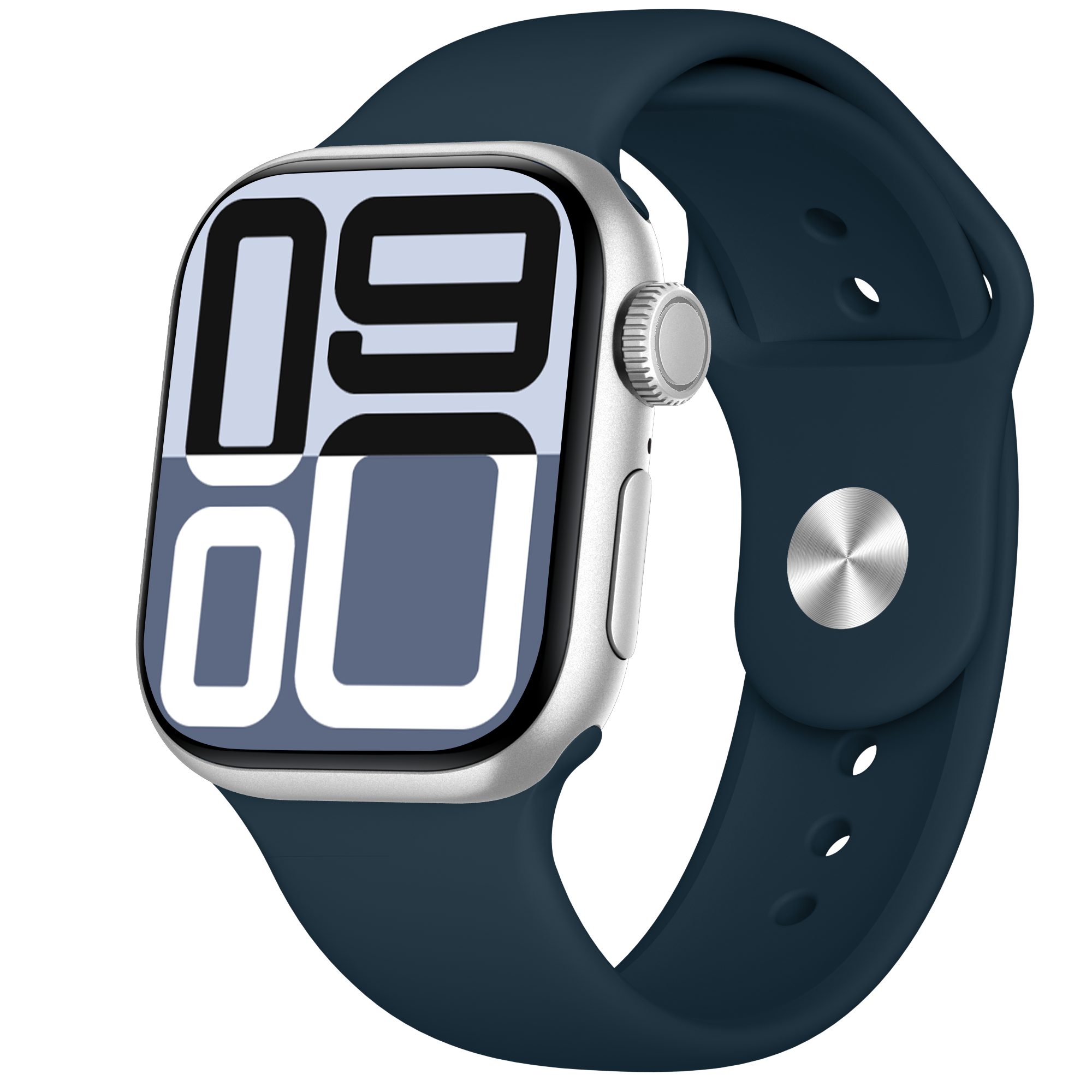
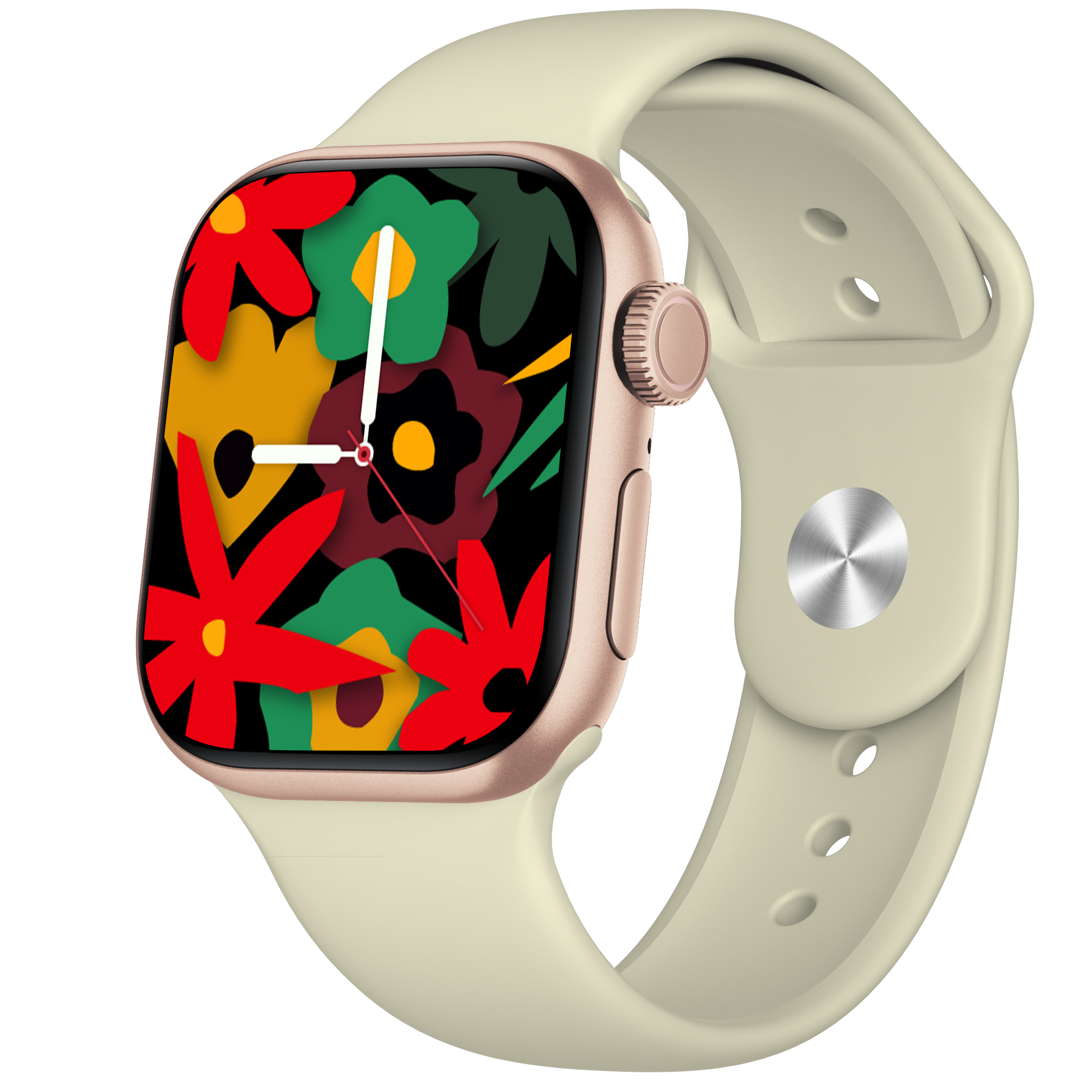
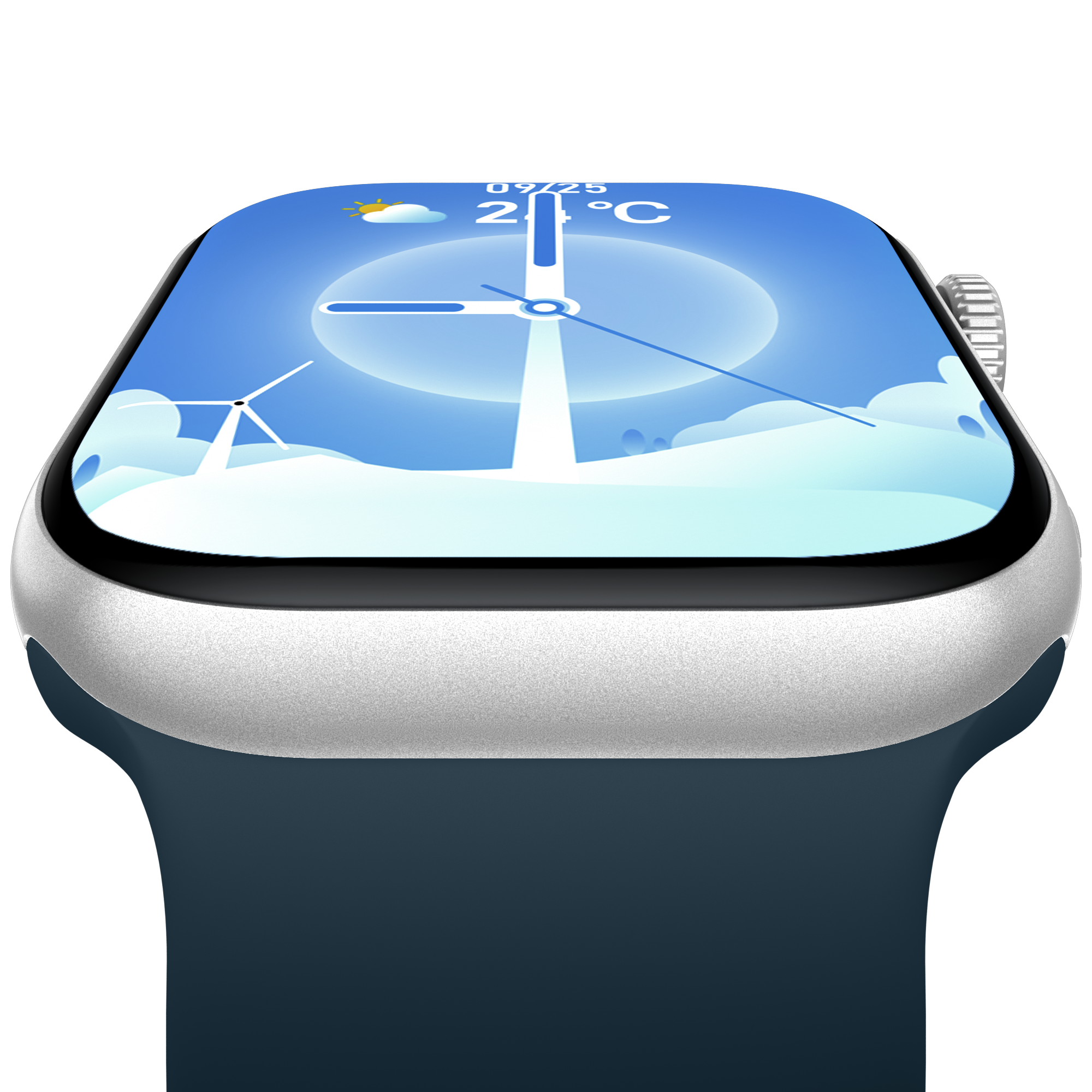
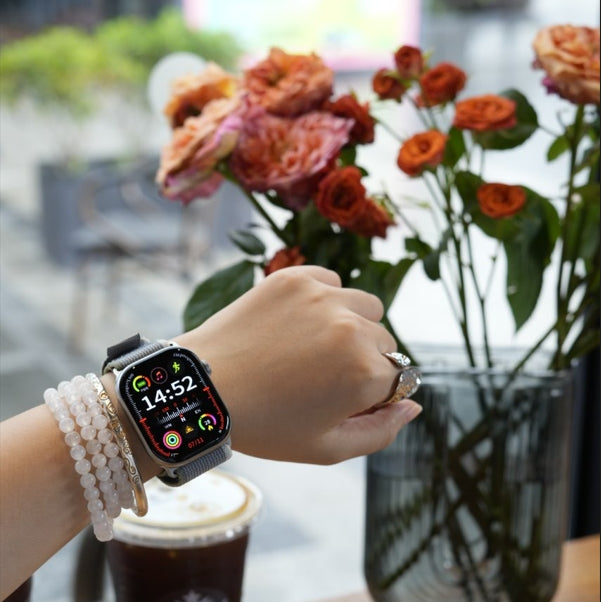
A10C
Pairs well with
In stock! Ships within 1-2 business days.
30-day risk-free trial
1-Year Warranty
Complimentary shipping & returns
A10C
If you have any questions, you are always welcome to contact us. We'll get back to you as soon as possible, within 24 hours on weekdays.
-
Shipping Information
Use this text to answer questions in as much detail as possible for your customers.
-
Customer Support
Use this text to answer questions in as much detail as possible for your customers.
-
FAQ’s
Use this text to answer questions in as much detail as possible for your customers.
-
Contact Us
Use this text to answer questions in as much detail as possible for your customers.
Pain Point – Solution
Too Small to See Clearly?
The 2.0-inch large display gives you more room to see, swipe, and control with ease — every detail clear, every action effortless.
Inaccurate Health Data?
With advanced sensors and optimized algorithms, step count, blood oxygen, and heart rate accuracy surpass 95% of similar products on the market. Reliable insights you can trust, every day.
Battery Anxiety?
Powered by an RTOS low-power embedded system, the watch delivers over 6 days of battery life in daily use — keeping you charged and ready longer.
Scene-based selling points

Daily Health
Stay in Tune with Your Body, All Day Long.
Track heart rate, sleep, and stress around the clock with 24-hour health monitoring. Clear trends, deeper insights—so you can live healthier and feel more at ease every day.

150+ Sports Modes
Supports multiple professional sports modes, real-time monitoring of various workout data, providing you with expert training advice and clear visibility of your workout results.

AI Assistant
You can ask questions on the watch. The watch will answer them through Al technology and broadcast the answers in voice to solve your doubts. lt's your handy walking assistant.
Specifications & Tech Highlights
Design
Size & Weight
Case dimensions: 47.5*39.5*9.5 mm
Buttons:
1 standard button + 1 silent encoder knob
Watch straps:
Includes 2 interchangeable straps
Display
2.0’ TFT Display
Supported auto-brightness
320 x 385
800 nits peak brightness
60 fps refresh rate
Waterproof
IP68 Rated: It can be worn while washing hands, in the rain, or during exercise, and can resist water droplets.
No Fuss, Just Function: Sweat, splash, rinse—this watch is made for it.
Battery
270Ah High-Capacity Battery
Charging Time: Full charge in 2.5 hours
Charging Method: Wireless Charging
In the box
A10C
Wireless magnetic charging cable
2 straps
User guide
Safety & warranty information
What people
are saying
Martin CooperBeen wearing watches all my life and I wanna to switch it from wearing mostly automatic watches to something that can monitor my health vitals.
The watch came nicely packaged and was ready to pair with my Android phone and was fully charged. There's a wireless charging cradle you plug into any USB Type-A port and just place the watch on the cradle.
Setup is fairly easy too. You just scan the QR code on the watch or box and download the app from the Playstore. Though it ask you a few permission like contacts, geo location, emails and such. It's normal for such a device to ask your phone permission since this smart watch does it all from measuring your HR, oxygen saturation level, steps, and pretty much control and read any messages on your phone.
Custom of Ukraineoverall the design is not bad, there are interesting displays, convenient application. The translation is generally non-existent. The packaging is nice. Considering that it's a gift, it can be quite suitable.
Custom of PolandReceived the package quickly, fast shipping service with good response. Thank you to the seller for excellent packaging. The watch looks good. I recommend the seller and also recommend the product.
Mujahid HussainExcellent product, better than I expected, very good quality, works extremely well.
RachelGood product, thank you to the seller. Reliable store.


FAQs
Please read our FAQs page to find out more.
Why am I not receiving message notifications on my watch?
Ensure the Bluetooth connection is active.
iOS users must allow notification permissions in system settings.
Android users can enable notifications directly in the app.
Notifications are delayed. What should I do?
Reset the watch and re-pair it.
Ensure background app refresh is enabled (especially for iOS).
How do I connect my watch via Bluetooth?
Open the app > Device Binding > Search or scan QR code on the watch.
Why is my phone connected but the watch isn't?
Check if MAC addresses match in the app and on the watch.
If not, rebind or reinstall the app.
My device always prompts “incorrect wear.”
Ensure user info (like weight) is set correctly in the app.